A Logic Learner
Enjoys puzzles, math, or problem solving and wants structured coding practice.
From first Python lines to games, apps, chatbots, and AI projects — 30 live sessions
₹199 trial session · 45 minutes live
 30+ Projects
Enjoys puzzles, math, or problem solving and wants structured coding practice.
Needs Python help for school tests alongside real project skills.
Curious about chatbots, automation, and how AI apps are built.
Wants to code games and apps instead of only playing them.
Tap each module to explore topics, projects, and what your child will build step by step. The full syllabus requires 30 live sessions.
Goal: Make students comfortable with coding (fun first, theory later).
Guess the Number
Smart Calculator
Talk to Computer bot
Week-by-week style overview of modules, topics, projects, and typical live-class time — so parents know exactly what their child will learn. Typical full-course pace: 30 live sessions.
| Module | Focus | Duration | Topics covered | Projects / activities |
|---|---|---|---|---|
| 1 | Python Basics | 4 sessions | Variables and Data Types; Input and Output; Operators and if-else | Guess the Number; Smart Calculator; Talk to Computer bot |
| 2 | Loops & Logic | 4 sessions | for, while loops; Nested loops; Patterns; Intro to logic building | Multiplication Table Generator; Pattern Printer (stars, numbers); Number Guessing Game (advanced with attempts); Countdown Timer; "Find the Secret Code" game |
| 3 | Functions & Modules | 4 sessions | Functions; Parameters & Return; Recursion (basic intro); Modules (random, math, datetime) | Dice Simulator; Alarm Clock; Age Calculator; Password Generator; Simple Quiz Game (using functions) |
| 4 | Data Structures | 5 sessions | List, Tuple; Dictionary; Set | To-Do List App; Student Record System; Shopping Cart Simulation; Playlist Manager; Memory Game (store & recall values) |
| 5 | Python Libraries | 5 sessions | What libraries are & how to install with pip; Matplotlib — bar charts, line graphs & pie charts; Requests — call APIs and read JSON responses; math & NumPy — equations, averages, and number crunching | Student Marks Bar Chart (Matplotlib); Weather or Fun Facts App (Requests + API); Math Quiz Score Analyzer (NumPy averages & stats); Equation Line Plotter (Matplotlib + math); Mini Data Dashboard (graph + live API data) |
| 6 | GUI Applications | 4 sessions | Tkinter basics; Buttons, Labels, Input; Layouts | GUI Calculator; Notes App; Login Form; Quiz App GUI; Drawing App |
| 7 | AI Voice & Image | 4 sessions | Project-focused studio work | Talk-to-Me Bot (Voice Assistant Lite) — listens, understands basic commands, and speaks back; AI Drawing Generator — students type a prompt and watch AI generate an image from their imagination |
Screenshots and walkthroughs from mentor-guided Python with AI builds — so parents can see the kind of work kids ship.
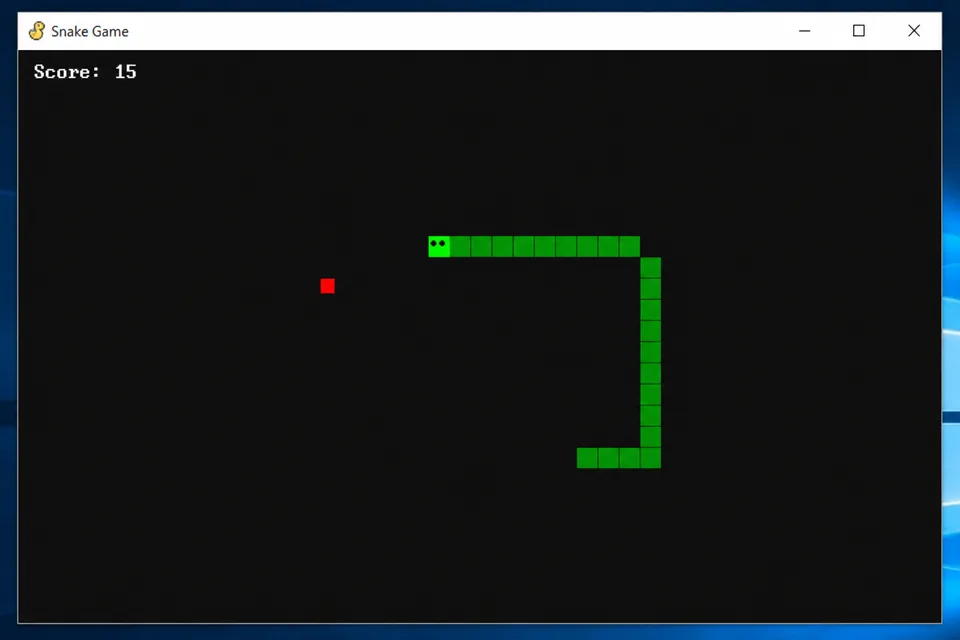
Classic arcade game with player movement, scoring, and collision detection — students learn loops, sprites, and game logic in Python.
Watch a class glimpse
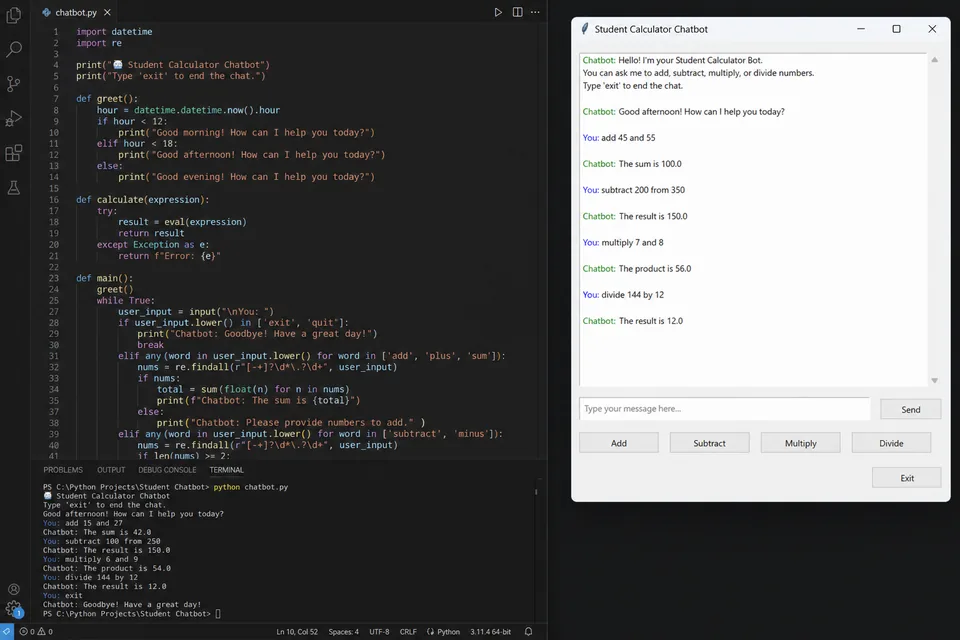
A command-line calculator plus a rule-based chatbot that responds to user input — covering functions, conditionals, and string handling.
An age-appropriate voice or text assistant project where students connect Python logic to AI tools — a capstone wow-factor build in Module 7.
Comfort with basic school math helps. No prior programming required — mentors start from the child's current level. The full syllabus requires 30 live sessions.
All plans include live mentor-led sessions, hands-on projects, and parent updates. Prices shown in INR. Try a session before choosing a plan.
₹999₹1,249 per session
Personal attention & fastest progress
View plan details →₹799₹940 per session
Small-group learning with peers
View plan details →₹499₹554 per session
Structured batch at lowest price
View plan details →Parent guides and STEM articles that pair well with Python with AI.
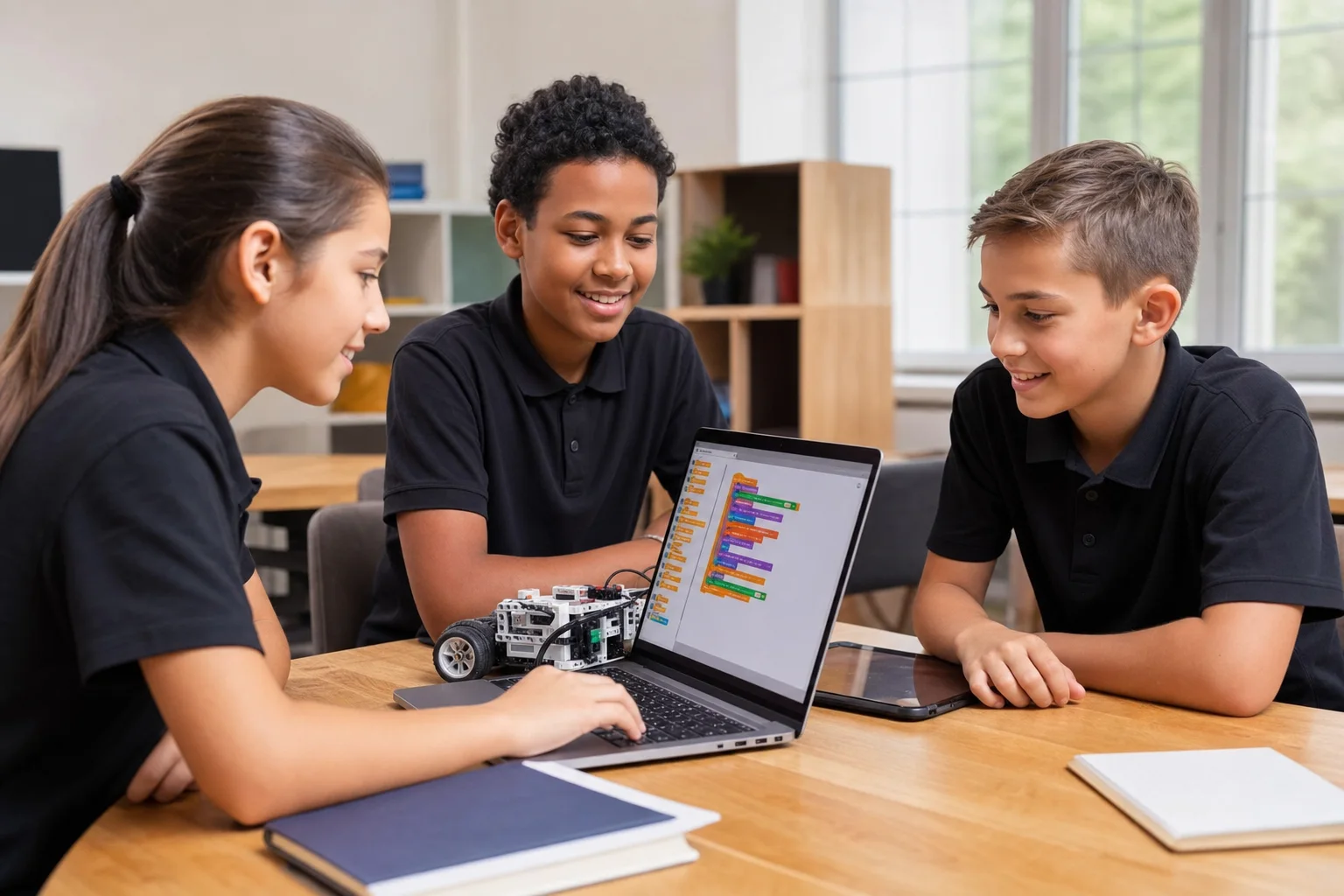
Scratch first for Grade 3–5. Python with AI when they can type. Web if they want something they can share in a browser. Use this decision tree, then read our Scratch vs Python guide.

YouTube is free. Apps are cheap. Live online coding is worth it when your child needs a mentor, a finished project, and a pace that matches Grade 3–12 — not another abandoned playlist.
Grade 3–5 start with Scratch. Grades 5–8 add Python with AI and web. Grades 8–12 go deeper on AI/LLMs and robotics. Here is the GeekashramJr map with syllabus links.
For Class 3–5 kids, Scratch is usually the better first step; Python is better once they can type and follow longer instructions. This parent guide compares Scratch vs Python by age, learning style, and what to choose next.
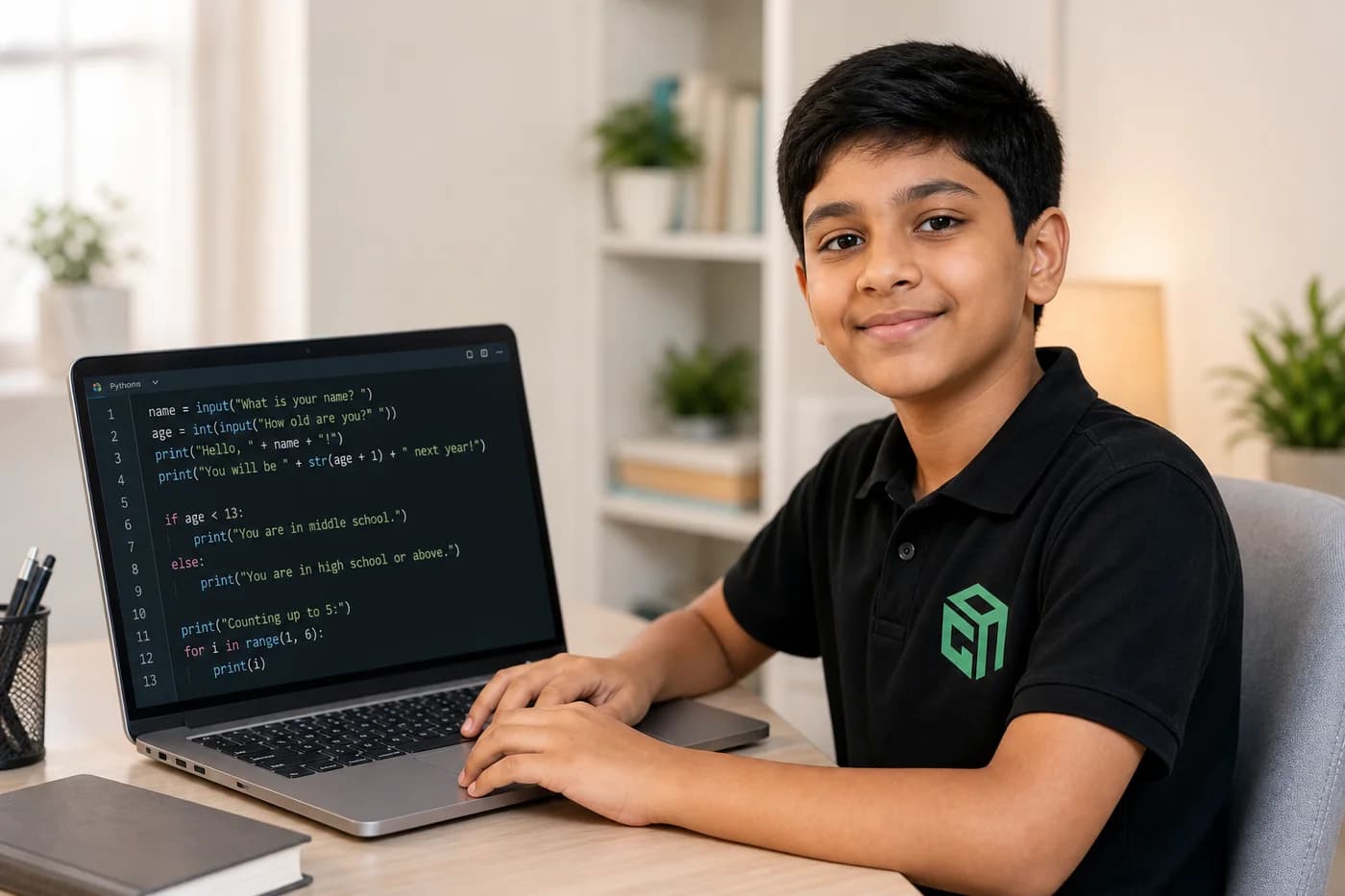
Looking for Python projects for beginners and kids? Here are 18 beginner-friendly Python project ideas with code, difficulty levels, and time estimates — from chatbots and games to robot battles and AI practice.
Python is a simple, readable coding language that helps kids build games, apps, and AI projects. This 2026 parent guide explains what Python is, the best age to start, beginner projects, and why school students should learn it.
Straight answers for parents comparing live Python with AI classes, syllabus depth, projects, and pricing.
GeekashramJr's Python with AI course covers Python fundamentals through seven live modules — variables, loops, functions, data structures, games, GUI apps, and age-appropriate AI projects. Students in Class 3–12 complete the syllabus in 30 live sessions, building 30+ hands-on projects including calculators, chatbots, Pygame games, Tkinter apps, and a voice-assistant-style AI bot with mentor support throughout.
Python with AI is taught live module by module (30 live sessions). Parents can review the full syllabus table on this page — topics, projects, and typical session time per module — plus download the curriculum brochure.
Students complete mentor-guided projects throughout the course. By the end they typically have: Coded a Snake or Space Invaders-style game in Python with Pygame; Built a working chatbot or smart calculator using functions and data structures; Created a GUI app (quiz, notes, or login form) and an AI-powered mini project such as a prompt-to-image generator or voice assistant lite. Sample project screenshots and walkthroughs are shown above.
Python with AI is for students in Class 3 to 12. Comfort with basic school math helps. No prior programming required — mentors start from the child's current level. The full syllabus requires 30 live sessions.
GeekashramJr Explorers starts at ₹499 per session (Up to 5 students), Champions is ₹799 per session (Up to 3 students), and Super Mentors 1:1 is ₹999 per session. Prices are shown in INR. Try a session for current offers.
Classes are live online with GeekashramJr mentors — not passive video courses. Students get real-time feedback, debugging help, and project reviews in every session.
Students build games, calculators, chatbots, apps, and AI projects — usually completing 30+ hands-on projects across 30 live sessions with mentor support.
Yes. The track covers Python fundamentals and problem solving useful for school syllabi, alongside creative games, apps, and age-appropriate AI projects.
Everyone starts with Module 1 (Python Basics): variables, input/output, and if-else through playful projects like Guess the Number and a Talk-to-Computer bot before moving into loops, functions, and AI.
Yes. Later modules cover data structures, libraries, Tkinter GUI apps, and AI voice/image projects so students see both console coding and real software-style builds.
Try a Python with AI session for students Class 3 to 12. Meet a mentor, see the teaching style, and get a personalized plan for your child.
Try a session