A Tinkerer
Loves building, fixing, or taking things apart to see how they work.
Build, wire, and program real robots with sensors, circuits, and Arduino
₹199 trial session · 45 minutes live
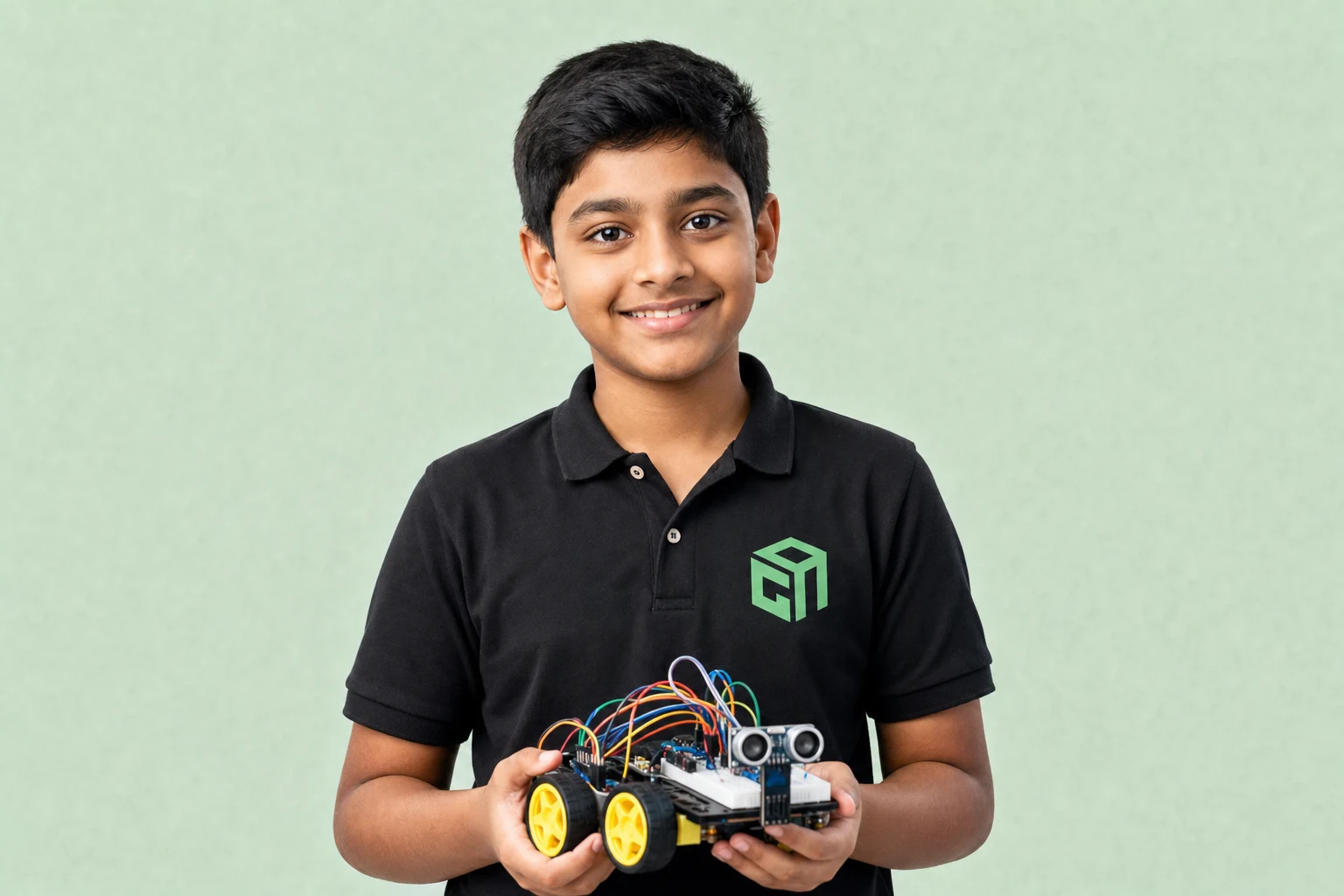 8+ Robot Builds
Loves building, fixing, or taking things apart to see how they work.
Wants science and coding connected through physical projects.
Learns best when they can see motors, LEDs, and sensors respond.
Dreams of robots, automation, and real-world engineering.
Tap each module to explore topics, projects, and what your child will build step by step.
LED power test
Buzzer + button circuit
Week-by-week style overview of modules, topics, projects, and typical live-class time — so parents know exactly what their child will learn. Typical full-course pace: 38 live sessions.
| Module | Focus | Duration | Topics covered | Projects / activities |
|---|---|---|---|---|
| 1 | Electronics | 8–10 sessions | Breadboards, power, and safe wiring; LEDs, buzzers, buttons, and sensors; Reading simple circuit diagrams | LED power test; Buzzer + button circuit |
| 2 | Programming | 8–10 sessions | Input/output and control logic; Motor control and movement patterns; Debugging hardware step by step | Motor control demo; Sensor input lab |
| 3 | Robot Builds | 8–10 sessions | Line-following robot project; Obstacle-avoiding bot; Sensor-based automation challenges | Line-following robot; Obstacle-avoiding bot |
| 4 | Arduino | 8–10 sessions | Arduino setup and programming; Integrate sensors and actuators; Final robotics capstone build | Arduino multi-sensor capstone |
Screenshots and walkthroughs from mentor-guided Robotics builds — so parents can see the kind of work kids ship.
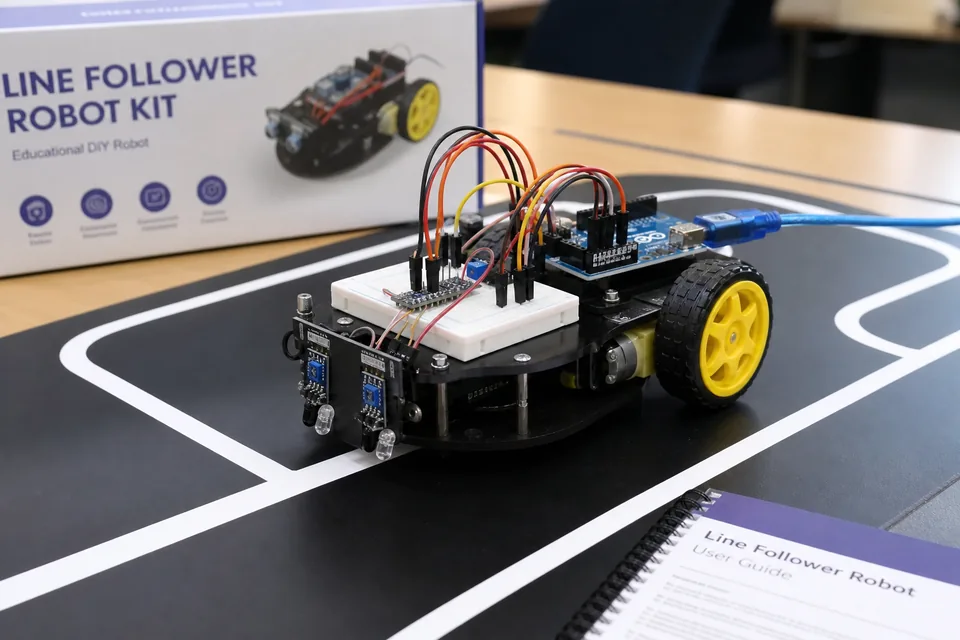
A wheeled bot that reads IR sensors and adjusts motor speed to stay on track — core robotics programming with live debugging support.
Watch a class glimpse
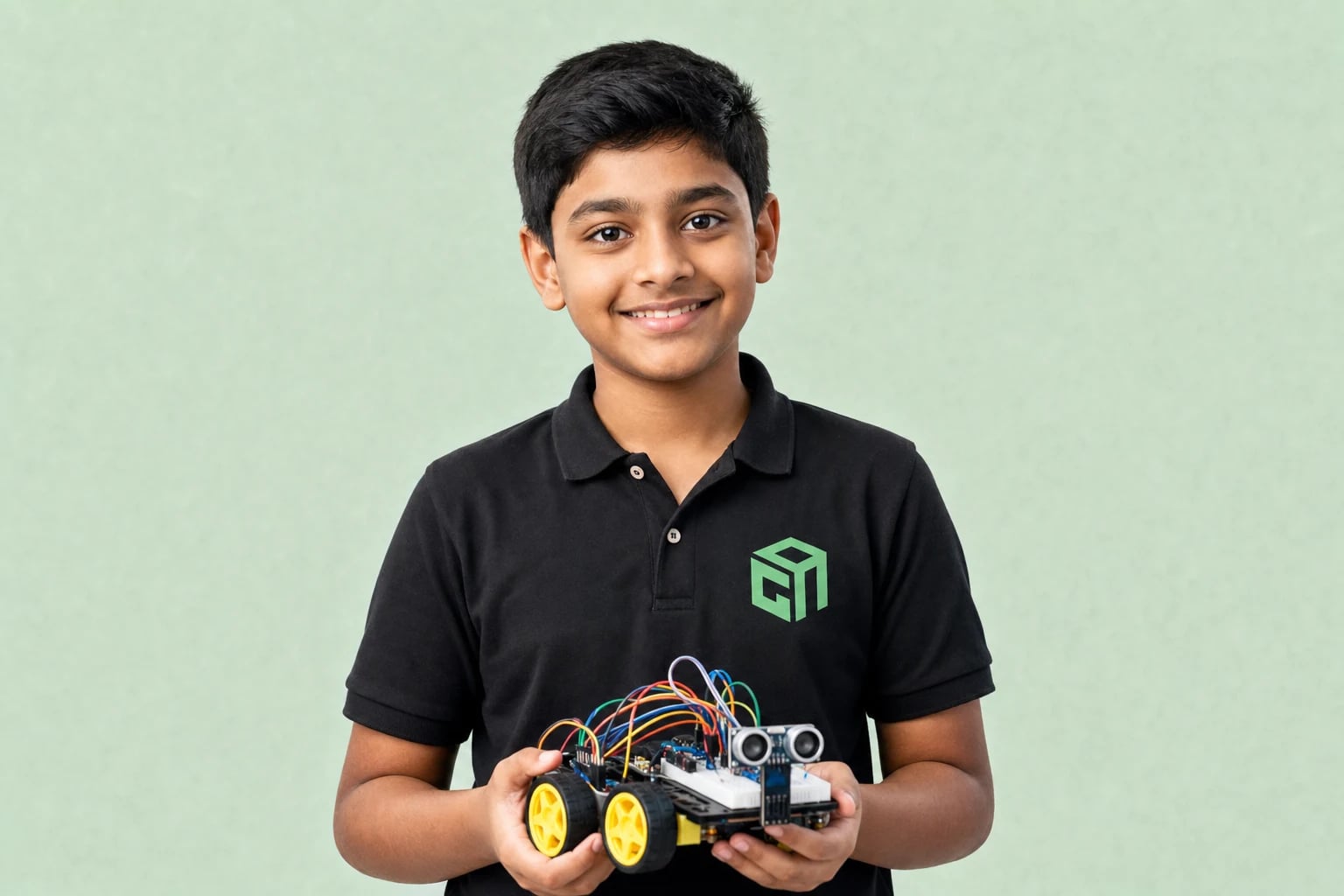
Ultrasonic or IR distance sensing triggers stop/turn behaviour — students learn sensor fusion and conditional logic.
A multi-component project combining motors, sensors, and programmed behaviours — the final showcase robot for the course.
No prior robotics experience needed. Mentors guide kit selection and safe setup — families receive hardware guidance before advanced builds.
All plans include live mentor-led sessions, hands-on projects, and parent updates. Prices shown in INR. Try a session before choosing a plan.
₹999₹1,249 per session
Personal attention & fastest progress
View plan details →₹799₹940 per session
Small-group learning with peers
View plan details →₹499₹554 per session
Structured batch at lowest price
View plan details →Parent guides and STEM articles that pair well with Robotics.
Grade 3–5 start with Scratch. Grades 5–8 add Python with AI and web. Grades 8–12 go deeper on AI/LLMs and robotics. Here is the GeekashramJr map with syllabus links.
US families do not need a Saturday drive to a coding cafe. Live online classes work across EST–PST, after school, and for homeschool — with the same mentors as our other countries.
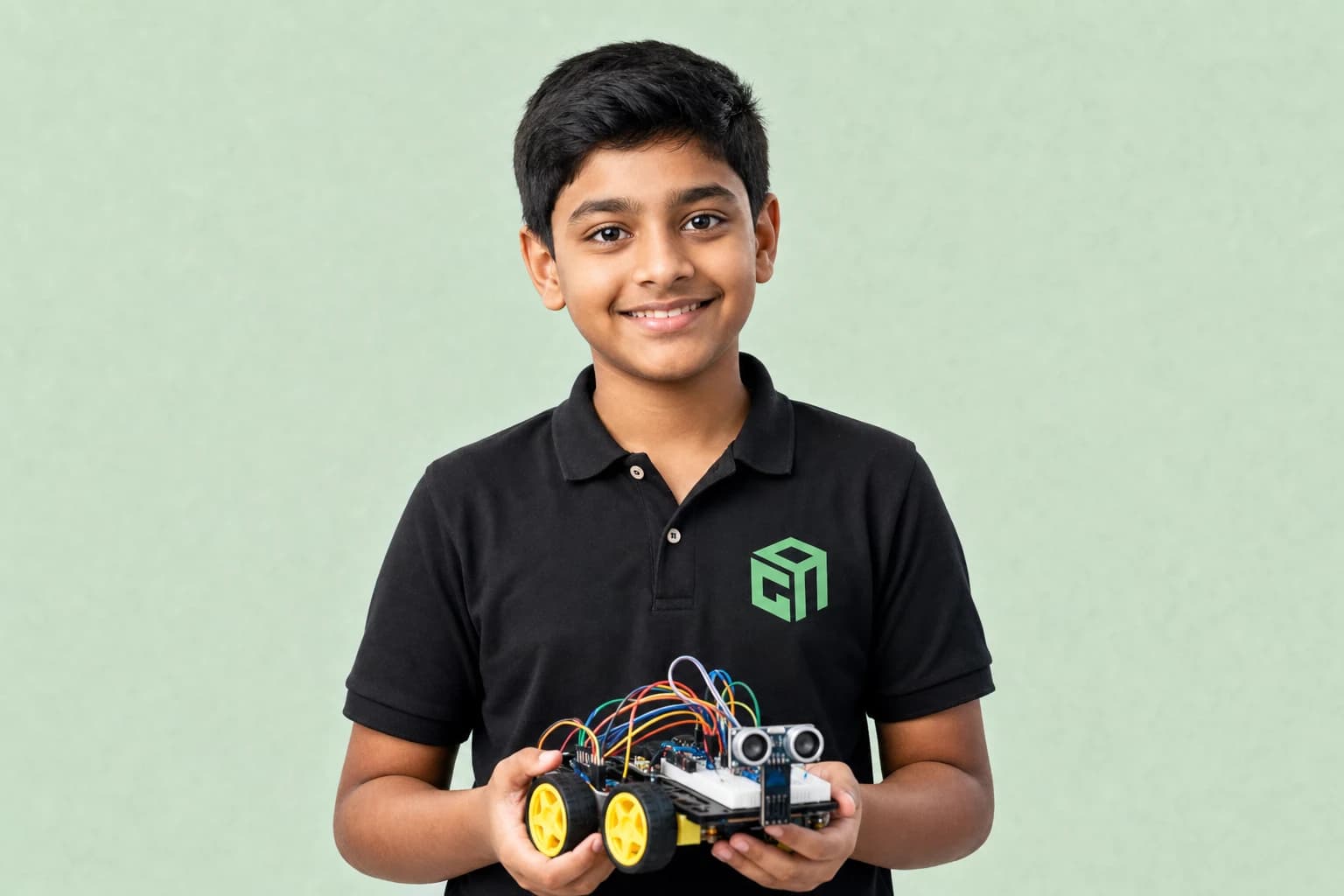
For most beginners, start with a basic electronics + Arduino-compatible starter kit, not the most expensive robot. This 2026 guide compares what to buy for kids in India, the US, and the UK — and what to skip.
Arduino is a beginner-friendly electronics board kids use to make lights, sensors, and robots respond to code. Parents do not need an engineering degree — just a laptop, a starter kit, and live mentor guidance.
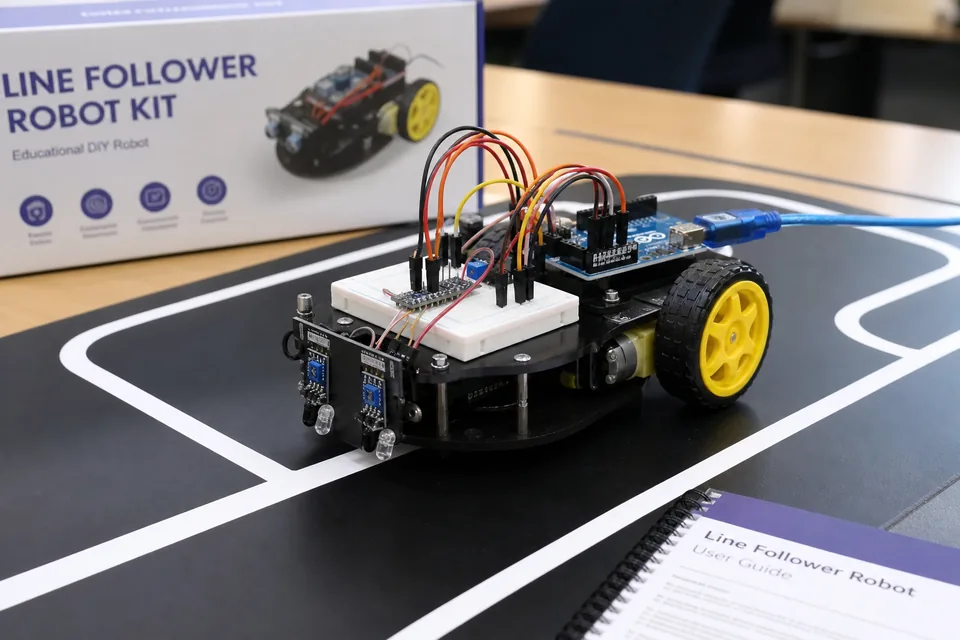
A line-follower robot uses IR sensors to detect a dark line on a light floor, then adjusts left/right motors to stay on track. Here is how it works for beginner kids robotics.
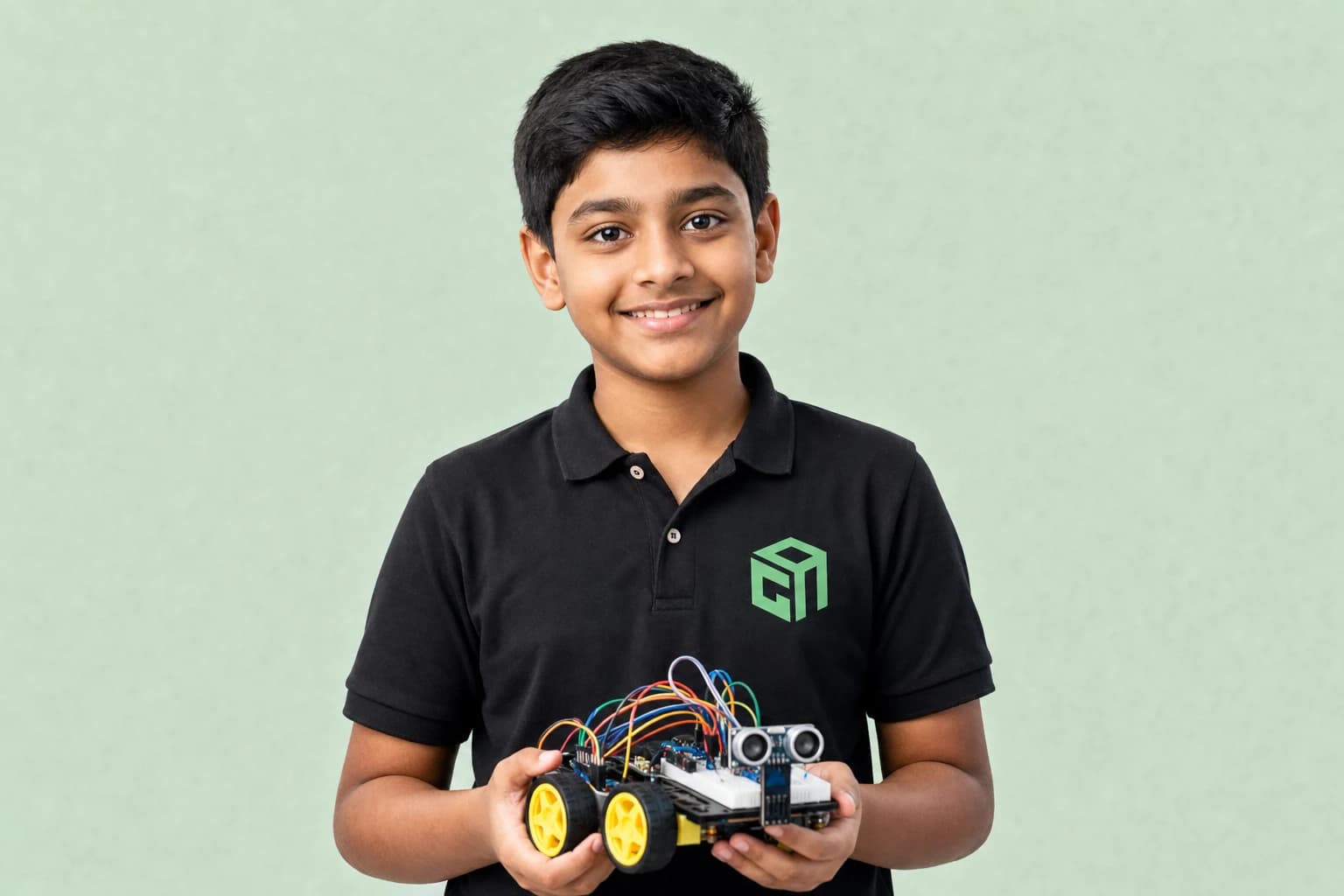
An obstacle-avoiding robot uses an ultrasonic (or IR) distance sensor to stop or turn before hitting objects. This beginner guide explains the logic kids learn before building one in class.
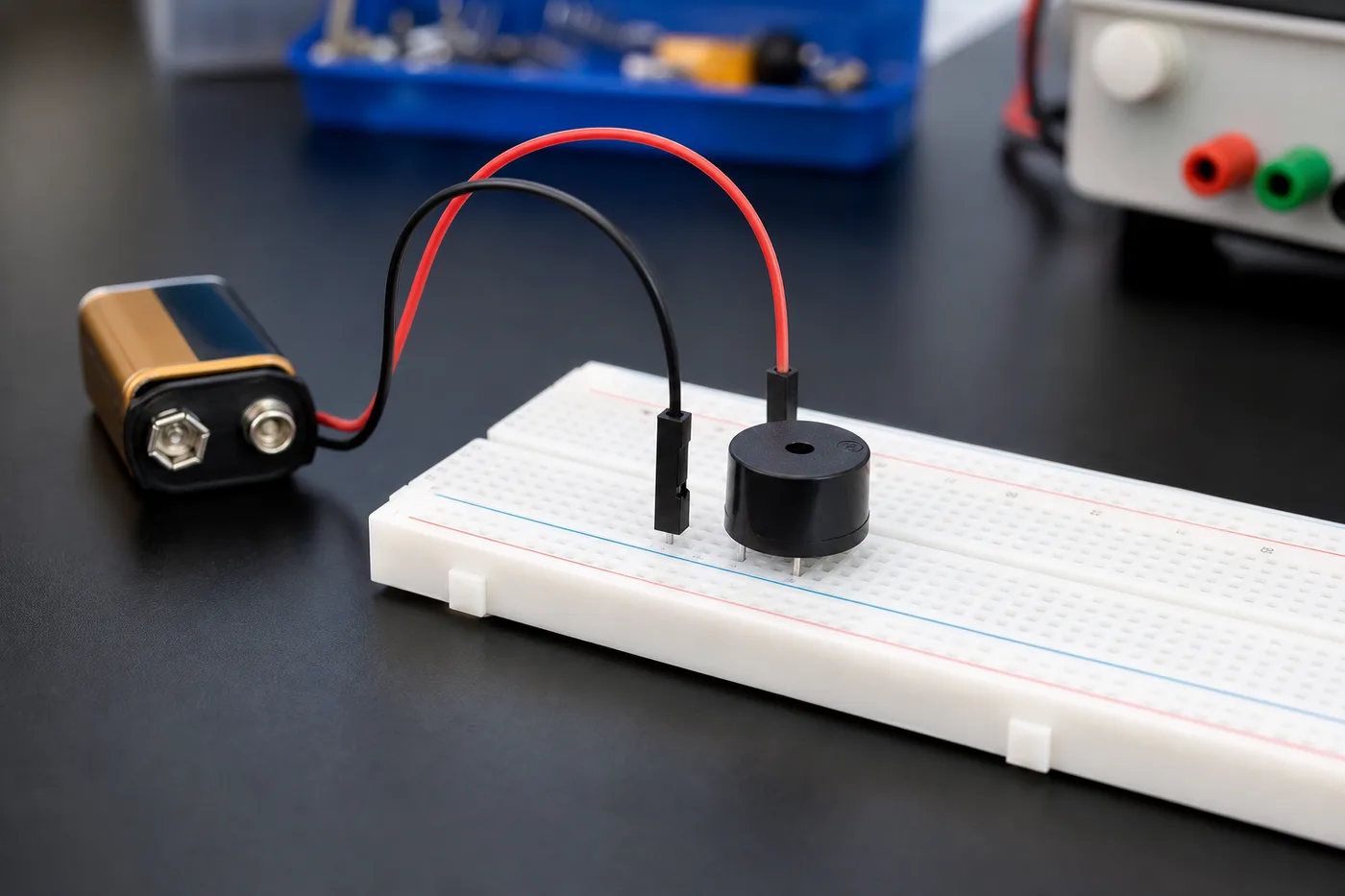
LDR senses light, ultrasonic measures distance with sound, and PIR detects motion from body heat. This kids-friendly sensors 101 explains each one with simple uses in school robotics projects.
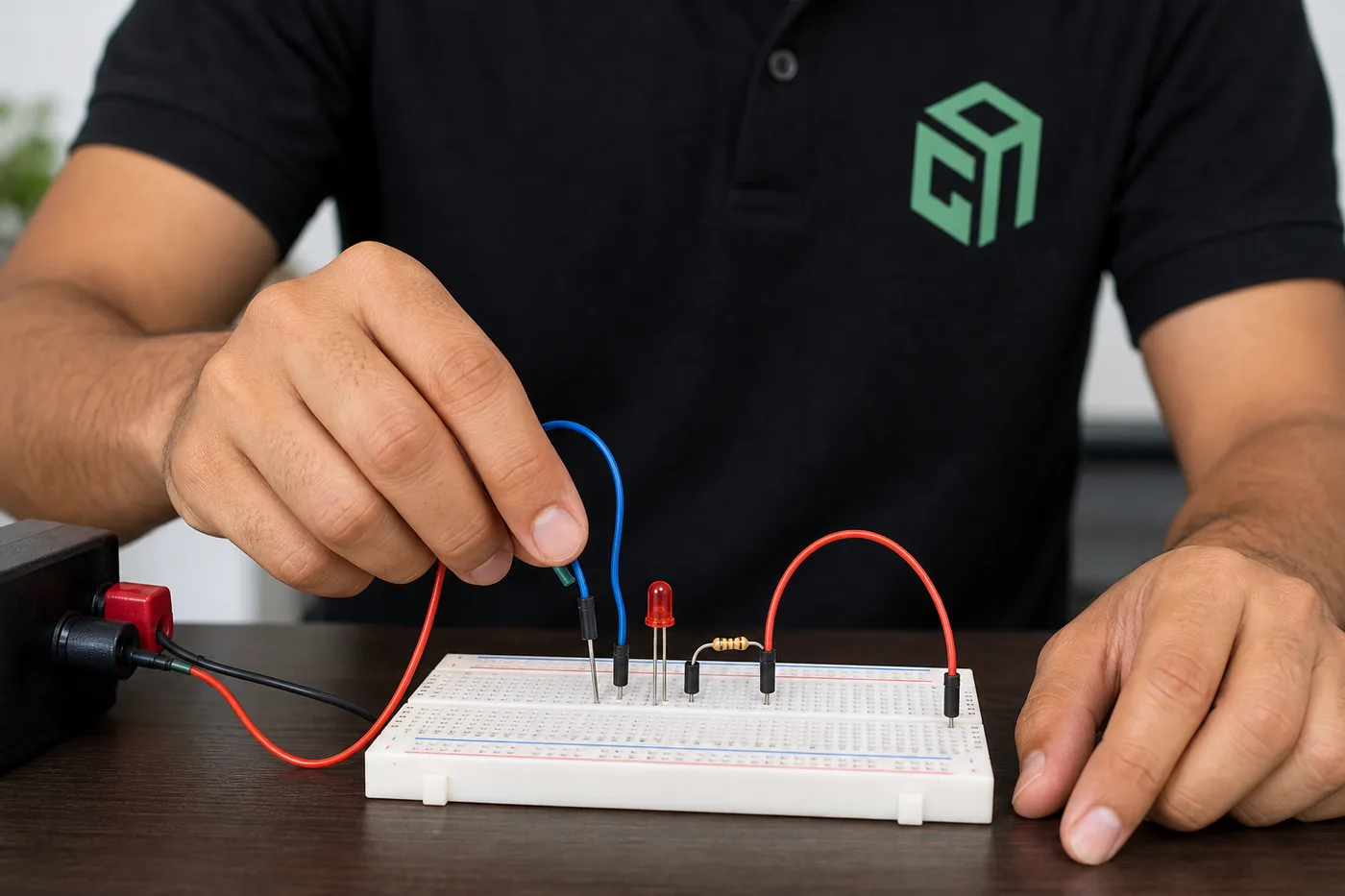
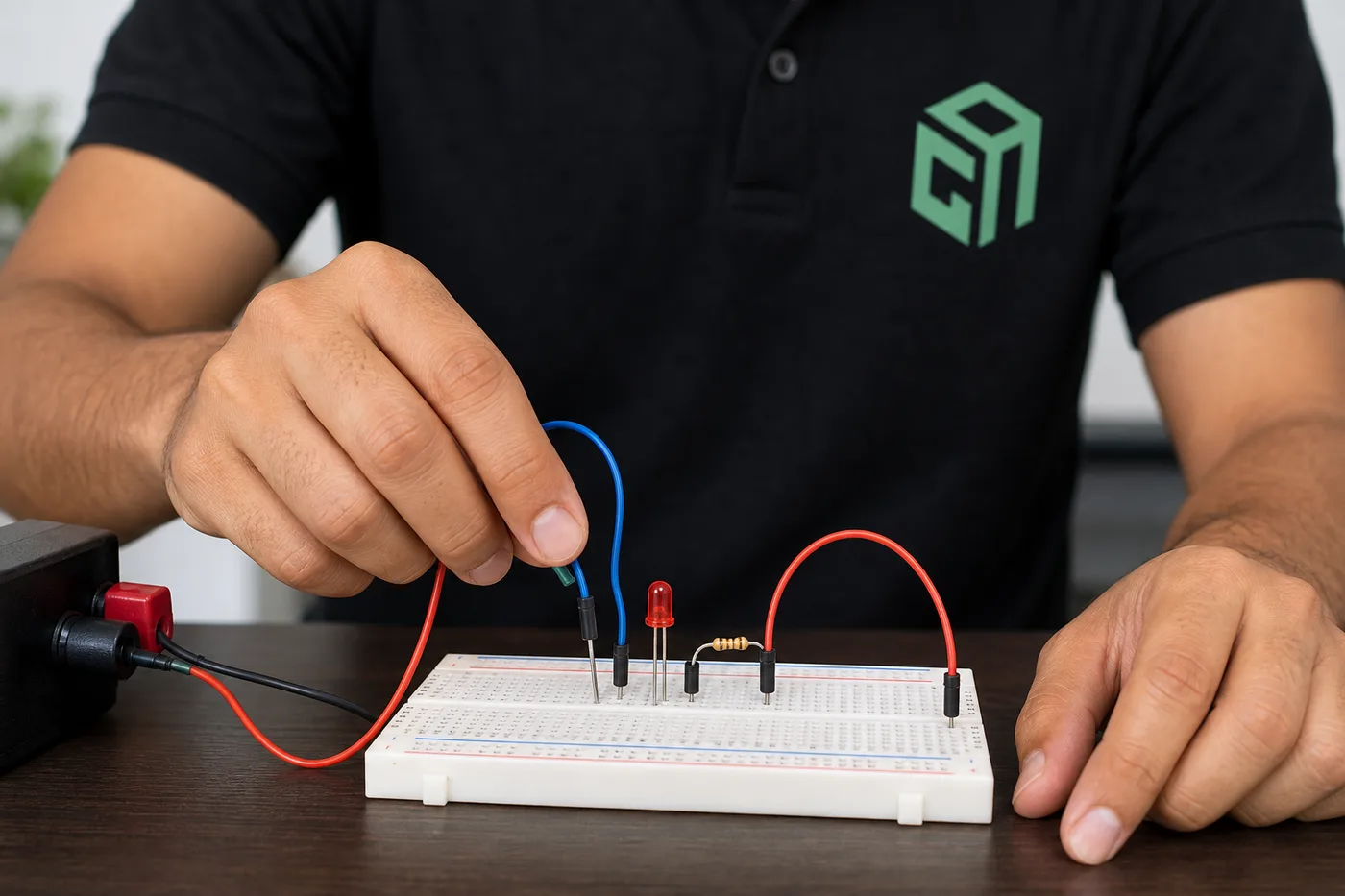
A breadboard lets beginners build electronics circuits without soldering. This 2026 kids robotics guide explains breadboard sections, power rails, jumper wiring, and a simple LED experiment step by step.
Straight answers for parents comparing live Robotics classes, syllabus depth, projects, and pricing.
GeekashramJr's Robotics course teaches Class 3–12 students to build and program real robots through live online classes over 6–9 months. The module path covers electronics basics (LEDs, buzzers, sensors), programming robot logic, building line-following and obstacle-avoiding bots, and Arduino capstone integration — with mentors guiding kit selection, wiring, and troubleshooting.
Robotics is taught live module by module (38 live sessions). Parents can review the full syllabus table on this page — topics, projects, and typical session time per module — plus download the curriculum brochure.
Students complete mentor-guided projects throughout the course. By the end they typically have: Wired circuits with sensors, motors, LEDs, and buzzers on a breadboard or kit; Programmed a line-following or obstacle-avoiding robot with real code logic; Completed an Arduino capstone that integrates multiple sensors and actuators. Sample project screenshots and walkthroughs are shown above.
Robotics is for students in Class 3 to 12. No prior robotics experience needed. Mentors guide kit selection and safe setup — families receive hardware guidance before advanced builds.
GeekashramJr Explorers starts at ₹499 per session (Up to 5 students), Champions is ₹799 per session (Up to 3 students), and Super Mentors 1:1 is ₹999 per session. Prices are shown in INR. Try a session for current offers.
Classes are live online with GeekashramJr mentors — not passive video courses. Students get real-time feedback, debugging help, and project reviews in every session.
Mentors guide families on kits and simulators. Many students start with guided setups and scale up. We help with wiring, testing, and making robots work during live classes.
Students work with sensors, motors, LEDs, circuits, and Arduino — building line-following robots, obstacle-avoiding bots, and STEM projects with hands-on mentor support.
Yes, with low-voltage kits and mentor guidance. Younger students start with LEDs, buzzers, and breadboard basics before motors and Arduino capstones.
Yes. The syllabus connects electronics with programming logic — input/output, motor control, sensors, and debugging hardware and code together.
Try a Robotics session for students Class 3 to 12. Meet a mentor, see the teaching style, and get a personalized plan for your child.
Try a session