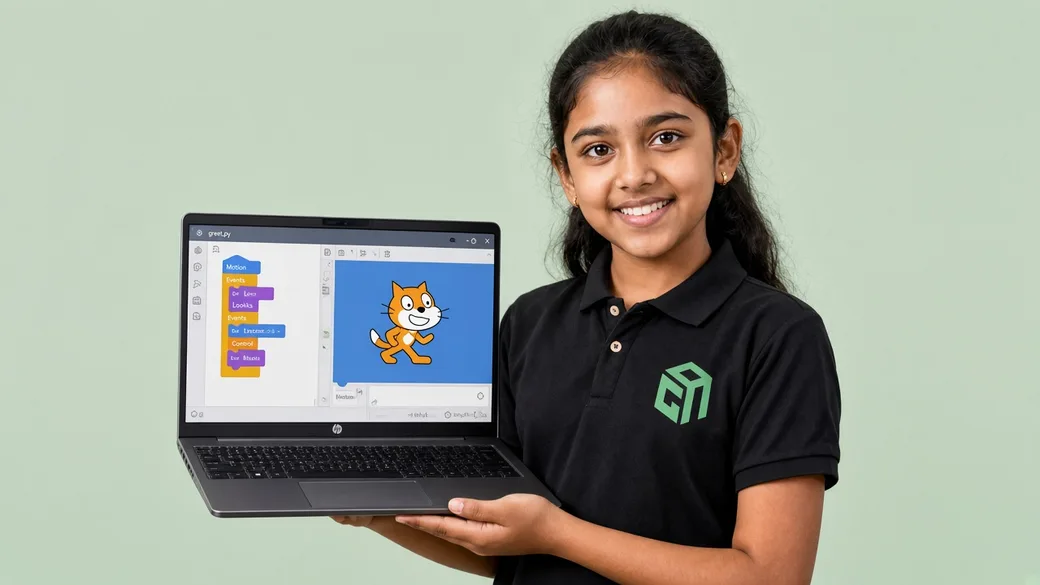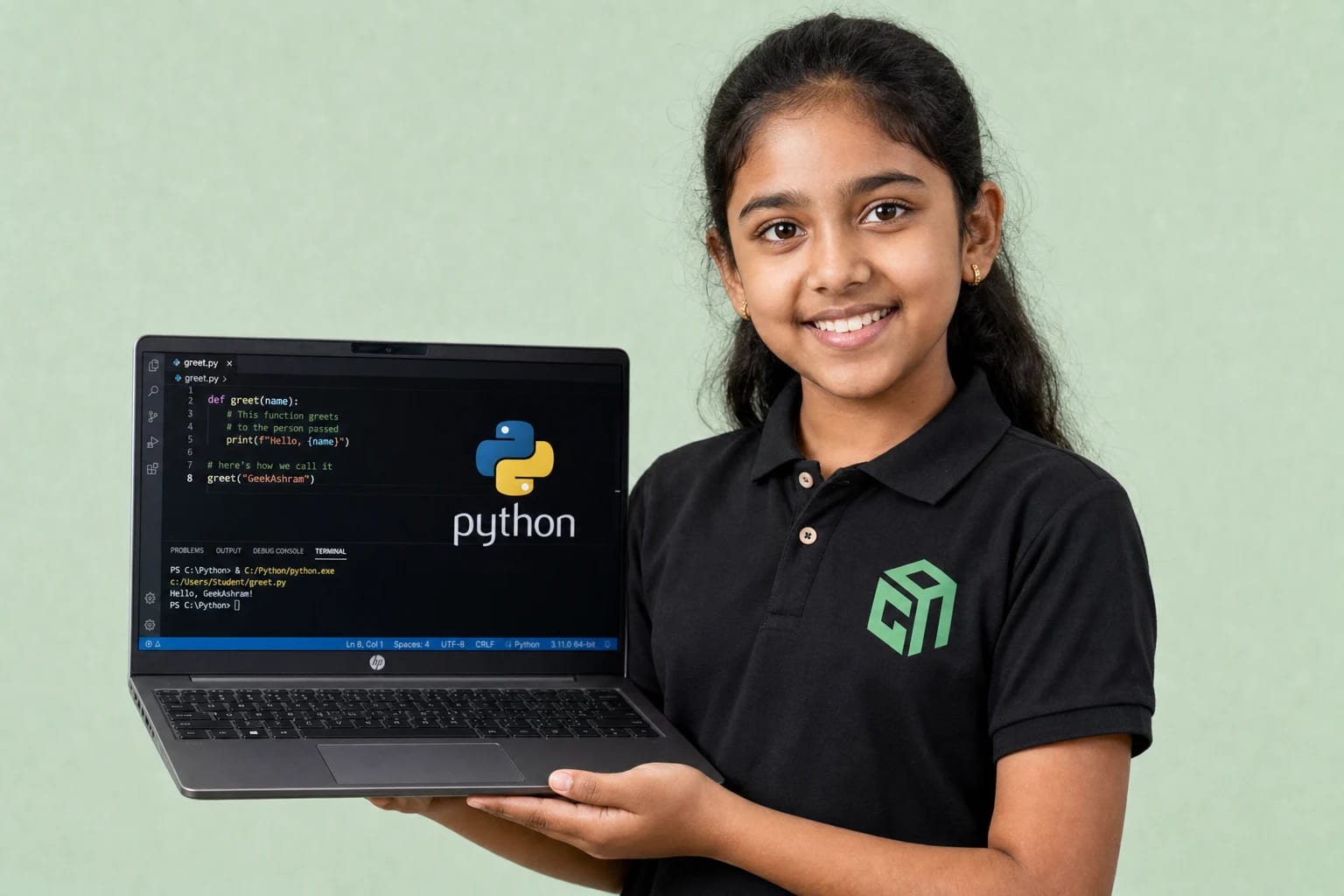
Python vs Scratch is one of the most common parent questions we hear at GeekashramJr. Short answer: for Class 3–5, start with Scratch; for Class 6+, Python is often the stronger first text language — especially if your child already likes puzzles, games, or AI ideas.
The goal is not to pick the “most advanced” language. The goal is the first win: a project that works, builds confidence, and makes your child want the next session.
Scratch: Best First Step for Younger Kids
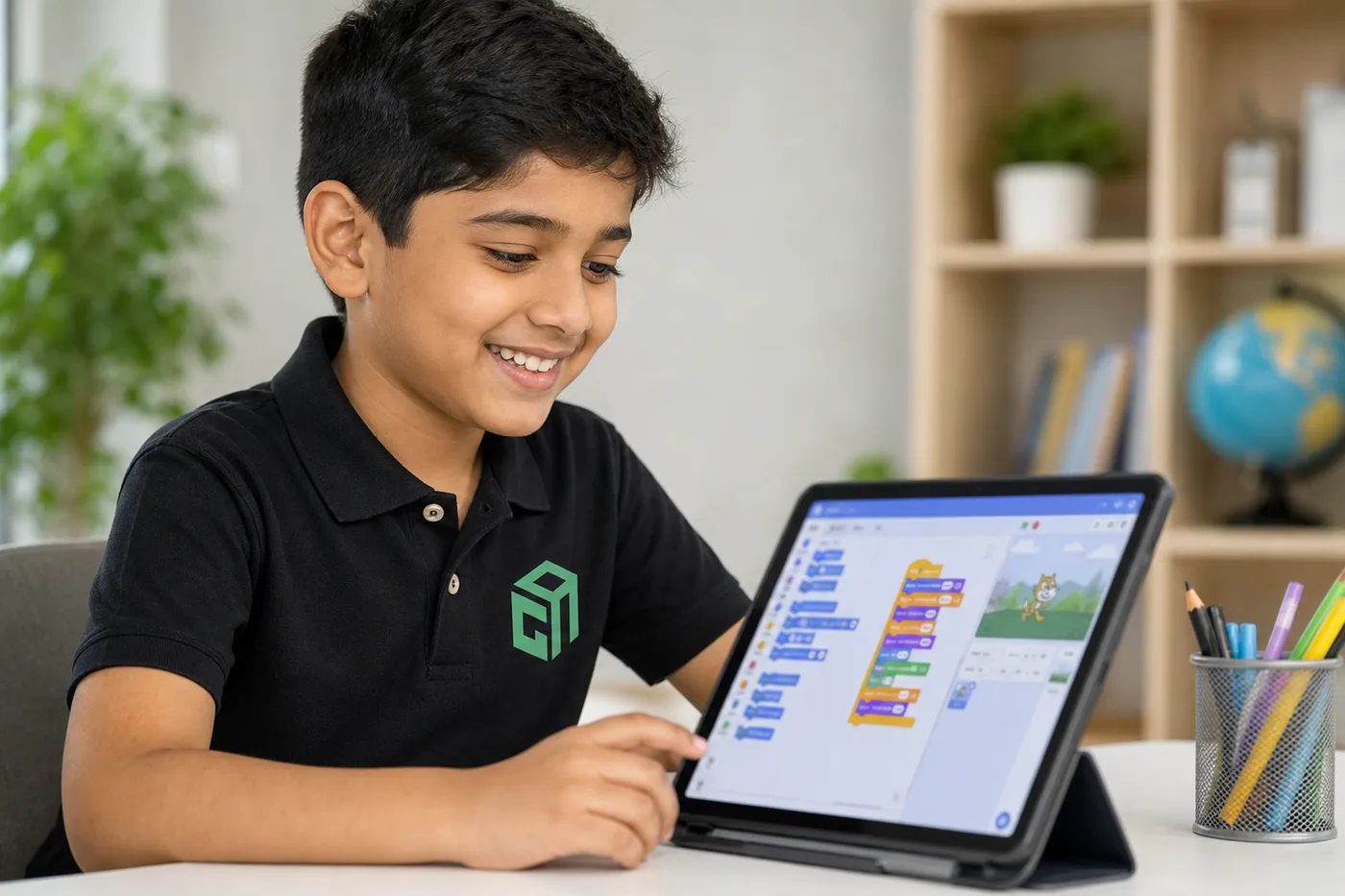
Scratch uses drag-and-drop blocks. Children learn sequencing, loops, events, and conditions without fighting typing errors. That makes it ideal for Class 3–5 and any beginner who needs visual feedback.
- Great for storytelling, animations, and simple games
- Builds logic without syntax stress
- Helps shy beginners speak about “if this, then that”
- Creates a natural bridge to typed coding later
Python: Best First Text Language for School Students
Python reads close to English. Once kids can type and follow multi-step instructions, Python unlocks calculators, quizzes, chatbots, games, and beginner AI projects — skills that connect to school logic and future tech paths.
- Strong for Class 6–12 and exam-adjacent Python topics
- Useful for AI, data, automation, and apps
- Creates portfolio projects parents can see
- Works well with live mentor debugging support
Which Should My Child Learn First? Quick Decision Guide
- Class 3–5, new to coding → Scratch first
- Class 5–6, finished a few Scratch games → Start Python gently
- Class 6–8, likes math/puzzles → Python with AI basics
- Class 9–12, school Python or AI interest → Python project track
A Smart Path Parents Can Follow
Many GeekashramJr students start in our Scratch coding classes, then move into Python with AI through live projects. That path keeps motivation high and avoids the “copy code I don’t understand” trap.
If you are unsure, book a ₹199 trial. We will check grade, typing comfort, and interest — then recommend Scratch, Python with AI, web development, or robotics.